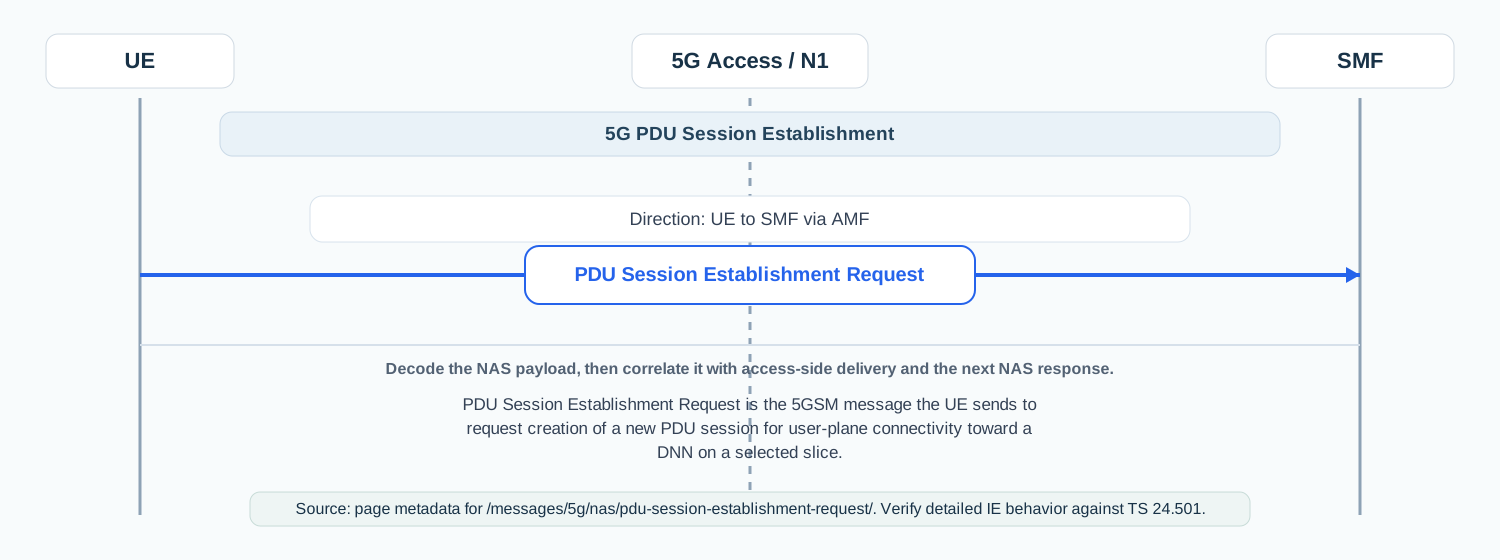
PDU Session Establishment Request is the 5GSM message the UE sends to request creation of a new PDU session for user-plane connectivity toward a DNN on a selected slice.
Message Fact Sheet
Protocol
nas
Network
5g
Spec
3GPP TS 24.501
Spec Section
8.3.1
Direction
UE to SMF via AMF
Message Type
5GSM signaling
Full message name
5G NAS - PDU Session Establishment Request
Protocol
NAS
Technology
5G
Direction
UE to SMF via AMF
Interface
N1
Signaling bearer / channel
NAS signaling / Usually carried inside UL NAS Transport on the access side
Typical trigger
The UE or upper layers need IP, Ethernet, or unstructured connectivity for data service, IMS, enterprise access, or another application flow.
Main purpose
Starts UE-requested PDU session setup by carrying the requested session type, SSC mode, DNN, slice context, and optional configuration parameters the network needs to build the session.
Main specification
3GPP TS 24.501, 8.3.1
Release added
Release 15
Procedures where used
5G PDU Session Establishment, VoNR Registration, Enterprise or internet data-session setup
Related timers
T3580
What is PDU Session Establishment Request in simple terms?
PDU Session Establishment Request is the 5GSM message the UE sends to request creation of a new PDU session for user-plane connectivity toward a DNN on a selected slice.
Starts UE-requested PDU session setup by carrying the requested session type, SSC mode, DNN, slice context, and optional configuration parameters the network needs to build the session.
Why this message matters
PDU Session Establishment Request is the UE asking the 5G core to create a usable data session, such as internet or IMS connectivity.
Where this message appears in the call flow
5G PDU Session Establishment
PDU Session Establishment Request in context: UE to SMF via AMF. Use the diagram to place the NAS message in the surrounding procedure before inspecting individual fields.
Call flow position: Starting 5GSM message for a UE-requested session establishment flow.
Typical state: UE is already registered and is asking the core network to create a new session.
Preconditions:
The UE has valid 5G registration context.
The requested slice and service context are available or can be requested.
A new or reusable PDU Session ID is available for the request.
Next likely message: PDU Session Establishment Accept, Reject, or a session-authentication branch
VoNR Registration
Call flow position: Often appears after registration when the UE requests the IMS PDU session used for voice services.
Typical state: UE is already registered and is moving into application or service-specific connectivity.
Preconditions:
Registration completed successfully.
IMS-related DNN, slice, and policy context are valid.
Next likely message: PDU Session Establishment Accept
Domain: Core-side session management signaling with access-side NAS transport dependency
Signaling bearer: NAS signaling
Logical channel: Usually carried inside UL NAS Transport on the access side
Transport / encapsulation: 5GSM NAS message transported end-to-end between UE and SMF through AMF mediation
Security context: Normally sent after registration and NAS security establishment, so engineers usually expect a protected NAS transport path rather than an initial unsecured exchange.
Message Structure Overview
PDU Session Establishment Request is a 5GSM NAS message, so engineers read it as a 24.501 information-element structure instead of ASN.1.
Operationally, the message says what session the UE wants, on which slice or DNN, with what IP or Ethernet model, and with what continuity expectations.
In traces, the most useful first checks are PDU Session ID, PTI, request type, DNN, S-NSSAI, PDU session type, and SSC mode.
ASN.1 Message Syntax for 5G NAS - PDU Session Establishment Request
This message is not typically analyzed as ASN.1 on the wire. It is usually read as a NAS or protocol field structure instead.
This is a NAS 5GSM message defined by TS 24.501 information elements rather than ASN.1 syntax.
5G NAS - PDU Session Establishment Request - Example Dump
PDU Session Establishment Request
  Extended Protocol Discriminator: 5G Session Management
  PDU Session ID: 10
  PTI: 1
  Message Type: PDU Session Establishment Request
  Integrity Protection Maximum Data Rate: full data rate
  PDU Session Type: IPv4v6
  SSC Mode: SSC mode 1
  Request Type: initial request
  5GSM Capability:
    Reflective QoS: supported
    Multi-homed IPv6 PDU session: not supported
  Maximum Number of Supported Packet Filters: 16
  S-NSSAI:
    SST: 1
    SD: 0x112233
  DNN: ims
  Extended Protocol Configuration Options:
    DNS IPv4 address request
    DNS IPv6 address request
How to read this dump
Start with PDU Session ID and PTI because they are the fastest way to correlate the request with the later 5GSM response.
Check Request Type, PDU Session Type, and SSC Mode together because they define the kind of session the UE is trying to create.
DNN and S-NSSAI are often the decisive fields in slice or subscription-related failures.
Extended Protocol Configuration Options often explain why the request is accepted but later service behavior is still incomplete.
Important Information Elements
IE
Presence
Description
PDU Session ID
Mandatory
Identifies the session being requested and is the first thing engineers correlate with later accept, reject, modify, and release messages.
PTI
Mandatory
Procedure Transaction Identity used to match the request with the resulting 5GSM response.
Request type
Mandatory
Shows what kind of establishment is being requested, such as an initial new session or an existing-session-related request.
PDU session type
Mandatory
Tells the network whether the UE wants IPv4, IPv6, IPv4v6, Ethernet, or Unstructured connectivity.
SSC mode
Mandatory
Defines the requested session continuity behavior and strongly affects mobility and anchor expectations.
DNN
Optional
Requested data network name, often crucial in enterprise, IMS, and internet access troubleshooting.
S-NSSAI
Optional
Indicates the slice context the UE wants the session to use when slice selection matters.
Extended protocol configuration options
Optional
Carries configuration requests such as DNS or MTU-related parameters that often matter in service bring-up issues.
5GSM capability
Optional
Advertises UE capability aspects relevant to session handling, packet filters, and advanced session features.
Detailed field explanation
PDU Session ID
Identifies the session being requested and is the first thing engineers correlate with later accept, reject, modify, and release messages.
Presence: Mandatory
In practice: In practice, compare this field with the original request and with any later release-dependent optional fields so you can see whether the network accepted the same service model the UE asked for.
PTI
Procedure Transaction Identity used to match the request with the resulting 5GSM response.
Presence: Mandatory
In practice: In practice, compare this field with the original request and with any later release-dependent optional fields so you can see whether the network accepted the same service model the UE asked for.
Request type
Shows what kind of establishment is being requested, such as an initial new session or an existing-session-related request.
Presence: Mandatory
In practice: In practice, compare this field with the original request and with any later release-dependent optional fields so you can see whether the network accepted the same service model the UE asked for.
PDU session type
Tells the network whether the UE wants IPv4, IPv6, IPv4v6, Ethernet, or Unstructured connectivity.
Presence: Mandatory
In practice: In practice, this field tells you what connectivity model the network finally accepted, so it is one of the first places to look when the UE requested IPv4v6 but the session came back narrower than expected.
SSC mode
Defines the requested session continuity behavior and strongly affects mobility and anchor expectations.
Presence: Mandatory
In practice: This matters for mobility and service continuity. If the accepted SSC mode is different from what the UE or service expected, later handover or anchor behavior can look inconsistent even though the session itself was accepted.
DNN
Requested data network name, often crucial in enterprise, IMS, and internet access troubleshooting.
Presence: Optional
In practice: The DNN is the service anchor for the session. In traces, compare it directly with the requested DNN and with the subscription or IMS profile to confirm the session was built toward the right data network.
S-NSSAI
Indicates the slice context the UE wants the session to use when slice selection matters.
Presence: Optional
In practice: This is the slice context that ties the session to the network selection outcome. In roaming or slice-specific cases, it is one of the strongest indicators of whether the session landed on the expected slice.
Extended protocol configuration options
Carries configuration requests such as DNS or MTU-related parameters that often matter in service bring-up issues.
Presence: Optional
In practice: This is where DNS and other operational configuration can hide. When the session is accepted but applications still fail, EPCO is often one of the first optional fields worth validating.
5GSM capability
Advertises UE capability aspects relevant to session handling, packet filters, and advanced session features.
Presence: Optional
In practice: In practice, compare this field with the original request and with any later release-dependent optional fields so you can see whether the network accepted the same service model the UE asked for.
What to check in logs and traces
Confirm the UE is already successfully registered before this request appears.
Verify the request is carried in the expected NAS transport path and protected as expected for the scenario.
Check whether the PDU Session ID and PTI are reused incorrectly from another ongoing procedure.
Inspect DNN, S-NSSAI, and Request Type first when the network rejects the session.
Correlate the request with the following PDU Session Establishment Accept, Reject, or Authentication Command.
If the request is for IMS or a service slice, compare the chosen DNN and S-NSSAI with registration-time Allowed NSSAI.
Common Issues and Troubleshooting
PDU Session Establishment Request is sent but the UE gets a reject.
Likely cause: The requested DNN, slice, session type, or subscription context does not match what the network allows.
What to inspect: Check DNN, S-NSSAI, request type, and the returned 5GSM cause in the reject.
Next step: Correlate with registration context, Allowed NSSAI, and subscriber policy.
The request is visible but no response comes back.
Likely cause: The message may not be forwarded correctly, the session procedure may be colliding with another transaction, or the core may drop it before response.
What to inspect: Check UL NAS Transport, AMF/SMF signaling continuity, PTI correlation, and timer T3580 behavior.
Next step: Move from UE-side decode to transport and core-side procedure tracing.
The session establishes but the service still does not work correctly.
Likely cause: The session may be up with incomplete EPCO handling, wrong DNN, wrong slice, or unexpected QoS or address assignment.
What to inspect: Compare the request with the later Accept message, especially DNN, S-NSSAI, PDU address, and QoS-related context.
Next step: Continue analysis into PDU Session Establishment Accept and QoS flow setup.
LTE / 5G / Variant Comparison
Compared with Registration Request
Registration Request establishes UE mobility-management context in 5GMM, while PDU Session Establishment Request creates a specific user-plane session in 5GSM after registration already exists.
FAQ
What is PDU Session Establishment Request in 5G?
It is the 5GSM NAS message the UE sends to ask the 5G core to create a new PDU session for data connectivity.
Who sends PDU Session Establishment Request?
The UE sends it, and it is handled as a 5GSM message toward the SMF through the AMF.
Does this message create internet access?
Often yes. It can request an internet, IMS, enterprise, or other service session depending on the DNN and slice context.
What fields matter most in troubleshooting?
PDU Session ID, PTI, Request Type, PDU Session Type, DNN, S-NSSAI, and SSC Mode are usually the first fields to inspect.
What normally comes after PDU Session Establishment Request?
The usual next message is PDU Session Establishment Accept or Reject, although some scenarios may branch into session authentication first.
Decode this message with the 3GPP Decoder, inspect the related message database, or open the matching call flow to see where this signaling step fits in the full procedure.