What is PDU Session Establishment Accept in simple terms?
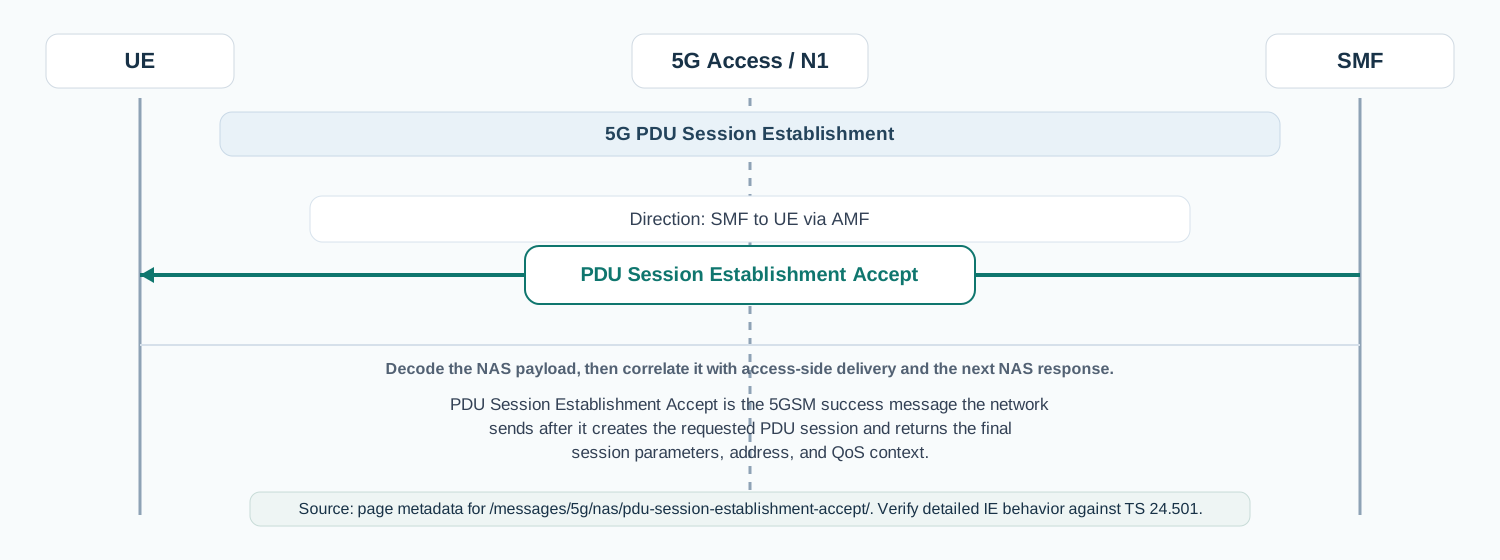
PDU Session Establishment Accept is the 5GSM success message the network sends after it creates the requested PDU session and returns the final session parameters, address, and QoS context.
Confirms that the requested PDU session was created and delivers the session parameters the UE needs to use the data connection correctly.
Why this message matters
PDU Session Establishment Accept means the network created the UE's data session and is telling the UE what address, QoS, and service parameters it should use next.
Detailed field explanation
Selected PDU session type
Shows the final session type the network accepted. This can differ from the requested type, so it is one of the first fields to verify.
Presence: Mandatory
In practice: In practice, this field tells you what connectivity model the network finally accepted, so it is one of the first places to look when the UE requested IPv4v6 but the session came back narrower than expected.
Selected SSC mode
Shows the continuity mode the network actually accepted for the session and helps explain later mobility or anchor behavior.
Presence: Mandatory
In practice: This matters for mobility and service continuity. If the accepted SSC mode is different from what the UE or service expected, later handover or anchor behavior can look inconsistent even though the session itself was accepted.
DNN
Identifies the data network for the session and is critical for IMS, enterprise, and internet access troubleshooting.
Presence: Mandatory
In practice: The DNN is the service anchor for the session. In traces, compare it directly with the requested DNN and with the subscription or IMS profile to confirm the session was built toward the right data network.
Authorized QoS rules
Defines the accepted QoS behavior and packet-filter to QFI mapping that the UE should use for this session.
Presence: Mandatory
In practice: QoS rules are the real service profile of the session. Inspect the QFI mapping, packet filters, and precedence because those values explain how user traffic will actually be classified and forwarded.
Session AMBR
Defines the aggregate uplink and downlink bit-rate cap for the session and is often the first sign of an intentionally restricted service.
Presence: Mandatory
In practice: Session AMBR is often where throughput limits show up first. If user data is slower than expected immediately after setup, this is one of the highest-value fields to compare against policy and subscription limits.
5GSM cause
Included when the selected PDU session type differs from the requested one. In practice, this can reveal a network normalization decision rather than a hard failure.
Presence: Optional
In practice: When this appears in an accept, it often means the network normalized a requested value rather than failing the session outright. Check it together with the selected session type, not in isolation.
PDU address
Carries the IPv4 address, IPv6 interface identifier, or dual-stack context that the UE should use for user-plane traffic.
Presence: Optional
In practice: This field determines whether the UE received usable addressing for the session type. For IPv4v6 or IMS-type sessions, it is worth checking the address format and any returned IPv6 interface identifier carefully.
RQ timer value
Used when reflective QoS is supported and the network wants to tell the UE how long to apply it.
Presence: Optional
In practice: Reflective QoS timing only matters when the feature is actually in use. If the session uses reflective QoS, this timer helps explain how long the UE should keep applying the reflected behavior.
S-NSSAI
Confirms the slice context used by the session and is especially important in roaming or slice-dependent service setups.
Presence: Optional
In practice: This is the slice context that ties the session to the network selection outcome. In roaming or slice-specific cases, it is one of the strongest indicators of whether the session landed on the expected slice.
Mapped EPS bearer contexts
Present when interworking to EPS is supported for the session and the network maps QoS flows to EPS bearers.
Presence: Optional
In practice: When EPS interworking is enabled, this field explains how QoS flows map back to EPS bearers. It matters most when the same service has to behave consistently across 5G and LTE anchor handling.
EAP message
Carries a successful EAP result when the external DN performed authentication and authorization.
Presence: Optional
In practice: If present, it reflects the external DN authentication result. It is worth checking when the session succeeds on NAS but service access still depends on an external authentication flow.
Extended protocol configuration options
Carries optional network configuration such as DNS or other protocol parameters that often explain later service behavior.
Presence: Optional
In practice: This is where DNS and other operational configuration can hide. When the session is accepted but applications still fail, EPCO is often one of the first optional fields worth validating.
Always-on PDU session indication
Relevant in later releases and feature sets where the network explicitly indicates always-on behavior for the session.
Presence: Optional
In practice: In practice, compare this field with the original request and with any later release-dependent optional fields so you can see whether the network accepted the same service model the UE asked for.