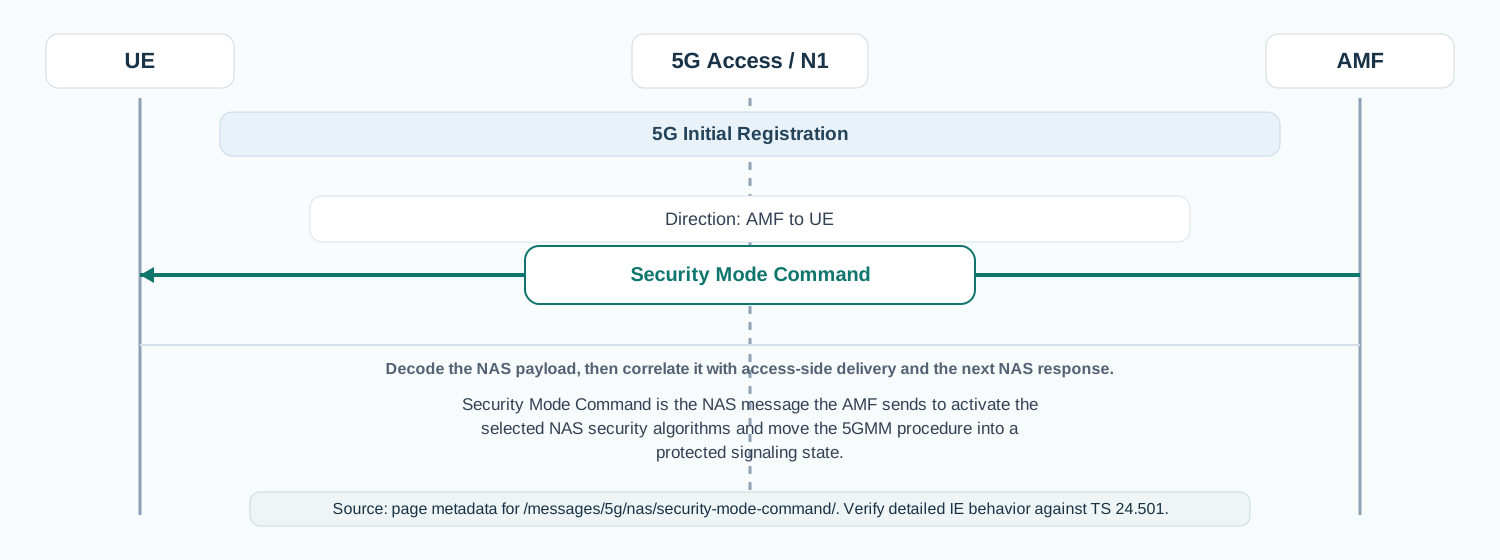
Security Mode Command is the NAS message the AMF sends to activate the selected NAS security algorithms and move the 5GMM procedure into a protected signaling state.
Message Fact Sheet
Protocol
nas
Network
5g
Spec
3GPP TS 24.501
Spec Section
8.2.20
Direction
AMF to UE
Message Type
5GMM signaling
Full message name
5G NAS - Security Mode Command
Protocol
NAS
Technology
5G
Direction
AMF to UE
Interface
N1
Signaling bearer / channel
NAS signaling / Dedicated NAS message, commonly transported via DL Information Transfer
Typical trigger
Sent after successful authentication when the AMF is ready to activate NAS security before continuing registration or service handling.
Main purpose
Commands the UE to start using the negotiated NAS ciphering and integrity algorithms, along with the associated key set context.
Main specification
3GPP TS 24.501, 8.2.20
Release added
Release 15
Procedures where used
5G Initial Registration, Mobility Registration Update, Service handling with security context establishment
Related timers
T3560
What is Security Mode Command in simple terms?
Security Mode Command is the NAS message the AMF sends to activate the selected NAS security algorithms and move the 5GMM procedure into a protected signaling state.
Commands the UE to start using the negotiated NAS ciphering and integrity algorithms, along with the associated key set context.
Why this message matters
Security Mode Command is the network telling the UE which NAS security settings to start using.
Where this message appears in the call flow
5G Initial Registration
Security Mode Command in context: AMF to UE. Use the diagram to place the NAS message in the surrounding procedure before inspecting individual fields.
Call flow position: Security activation step after successful authentication and before Registration Accept.
Typical state: The UE is authenticated, but the AMF has not yet switched the NAS procedure into the selected protected state.
Preconditions:
Authentication has completed successfully.
The AMF has selected NAS security algorithms and key context.
Next likely message: Security Mode Complete or Security Mode Reject
Service Request Recovery
Call flow position: NAS security reactivation step when the AMF needs to establish or refresh protected signaling before proceeding.
Typical state: The procedure can continue only after the UE accepts the selected NAS security context.
Preconditions:
Authentication or security context refresh has already completed.
Domain: Core-side mobility management signaling with radio-side NAS transport
Signaling bearer: NAS signaling
Logical channel: Dedicated NAS message, commonly transported via DL Information Transfer
Transport / encapsulation: NAS 5GS message carried end-to-end between AMF and UE
Security context: This message is the transition point into protected NAS signaling, so engineers must read it together with the current ngKSI and selected algorithms.
Message Structure Overview
Security Mode Command is the NAS message that converts a successful authentication outcome into an active NAS security state.
In troubleshooting, the most valuable checks are the selected algorithms, ngKSI, and whether the UE accepts or rejects the command.
ASN.1 Message Syntax for 5G NAS - Security Mode Command
This message is not typically analyzed as ASN.1 on the wire. It is usually read as a NAS or protocol field structure instead.
Security Mode Command follows NAS 24.501 IE structure and is not an ASN.1 message.
5G NAS - Security Mode Command - Example Dump
Security Mode Command
  Extended Protocol Discriminator: 5G Mobility Management
  Security Header Type: Integrity protected and ciphered with new 5G NAS security context
  Message Type: Security Mode Command
  Selected NAS security algorithms
    Ciphering algorithm: 128-5G-EA1
    Integrity algorithm: 128-5G-IA1
  ngKSI: 3
  Replayed UE security capabilities
    5G-EA: ea0 ea1
    5G-IA: ia1 ia2
  IMEISV Request: Not requested
How to read this dump
The first useful checks are the selected algorithms and whether the message uses the expected security header treatment.
Engineers usually compare this command with earlier UE security capability reporting and the following Security Mode Complete.
Important Information Elements
IE
Presence
Description
Selected NAS security algorithms
Mandatory
Indicates the integrity and ciphering algorithms the UE must start using for NAS signaling.
ngKSI
Mandatory
Identifies the NAS key set context that applies to the selected security configuration.
Replayed UE security capabilities
Mandatory
Lets engineers confirm that the AMF is applying security on the basis of the UE capabilities it believes were received earlier.
IMEISV request
Optional
Can ask the UE to return IMEISV as part of the secured procedure handling.
Detailed field explanation
Selected NAS security algorithms
Indicates the integrity and ciphering algorithms the UE must start using for NAS signaling.
Presence: Mandatory
In practice: In practice, compare this field with the original request and with any later release-dependent optional fields so you can see whether the network accepted the same service model the UE asked for.
ngKSI
Identifies the NAS key set context that applies to the selected security configuration.
Presence: Mandatory
In practice: In practice, compare this field with the original request and with any later release-dependent optional fields so you can see whether the network accepted the same service model the UE asked for.
Replayed UE security capabilities
Lets engineers confirm that the AMF is applying security on the basis of the UE capabilities it believes were received earlier.
Presence: Mandatory
In practice: In practice, compare this field with the original request and with any later release-dependent optional fields so you can see whether the network accepted the same service model the UE asked for.
IMEISV request
Can ask the UE to return IMEISV as part of the secured procedure handling.
Presence: Optional
In practice: In practice, compare this field with the original request and with any later release-dependent optional fields so you can see whether the network accepted the same service model the UE asked for.
What to check in logs and traces
Confirm the message appears only after successful authentication or valid security-context recovery.
Check the selected NAS ciphering and integrity algorithms.
Verify ngKSI and confirm it matches the expected key set context.
Compare replayed UE security capabilities with what the UE previously declared.
Correlate the command with Security Mode Complete, Security Mode Reject, or unexpected procedure abort.
Common Issues and Troubleshooting
Registration stops after Security Mode Command.
Likely cause: The UE may reject the selected security context or fail to process the chosen algorithms.
What to inspect: Check the selected algorithms, ngKSI, UE capability replay, and whether a Security Mode Reject follows.
Next step: Move analysis to Security Mode Complete or Reject and compare against earlier authentication and capability handling.
Security Mode Reject appears immediately after the command.
Likely cause: The UE does not accept the selected NAS security algorithms or the key context is inconsistent.
What to inspect: Check algorithm support, key set handling, and any mismatch between stored UE capabilities and the command contents.
Next step: Correlate with Authentication Result and earlier identity or registration context to see why the AMF chose that security state.
FAQ
What does Security Mode Command do in 5G NAS?
It tells the UE which NAS ciphering and integrity algorithms to activate so the procedure can continue securely.
Is NAS Security Mode Command the same as RRC Security Mode Command?
No. NAS Security Mode Command is sent between the AMF and UE over NAS, while the RRC version is an access-stratum message between the gNB and UE.
What usually comes after Security Mode Command?
The usual next message is Security Mode Complete, followed by later registration or service messages such as Registration Accept.
Decode this message with the 3GPP Decoder, inspect the related message database, or open the matching call flow to see where this signaling step fits in the full procedure.